

Start with a clean digital base
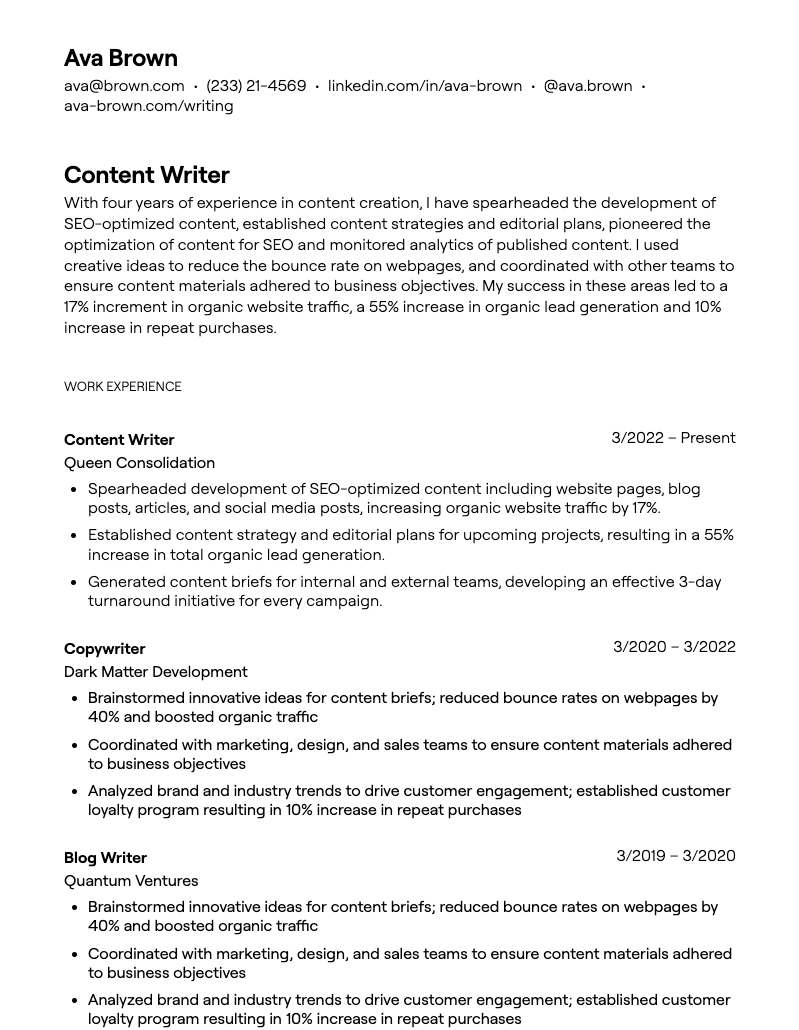
Before you paste your history into a builder, choose a template that prioritizes readability over decoration. Most applicant tracking systems (ATS) parse plain text and simple tables. Complex layouts with columns, headers, footers, or embedded graphics often confuse these parsers, leading to rejected applications or scrambled data. Think of your resume as a spreadsheet that humans can read, not a graphic design project.
A clean base means a single-column layout, standard fonts like Arial or Calibri, and no text boxes. This structure ensures that your experience, education, and skills are extracted in the correct order. It also makes it easier to "dump" your existing CV content into the new format without fighting with alignment tools.
If you are starting from scratch, begin with a blank document. If you are migrating an old resume, copy the raw text into a plain text editor first. This removes hidden formatting codes. Then, paste that clean text into your chosen template. This step saves hours of manual cleanup later in the process.
Input your career data accurately
Building a dump truck operator resume requires precision. Recruiters and hiring software scan for specific keywords related to heavy machinery, safety protocols, and site logistics. Your goal is to present your experience clearly so it matches the job description without ambiguity.
Accuracy is non-negotiable. Typos or inconsistent dates can signal carelessness, a major red flag for safety-critical roles. Double-check all numbers and spellings. Your resume should act as a clear, factual record of your professional history, making it easy for employers to see you are qualified and ready to work.
Optimize for hiring software
Hiring software acts as a digital gatekeeper, scanning your resume for specific keywords before a human eye ever sees it. If your formatting is too creative or your language doesn't match the job description, the system may reject your application automatically. To ensure your resume passes this initial filter, you need to align your content with the algorithm's expectations.
Start by mirroring the language used in the job posting. If the listing asks for "project management" experience, use that exact phrase rather than synonyms like "team leadership" or "coordination." ATS software often relies on exact keyword matching to rank candidates, so precision matters more than variety.
Keep your formatting simple. Avoid columns, graphics, tables, or text boxes, which can scramble the text when the ATS parses the document. A clean, single-column layout with standard fonts ensures the software reads your experience in the correct order. Save your file as a .docx or a text-based PDF to maximize compatibility with most screening tools.
Finally, include both acronyms and full terms for technical skills. For example, write "Search Engine Optimization (SEO)" to capture searches for either version. This small adjustment increases the likelihood that your resume will appear in recruiter searches, regardless of how they input their query.
Review and export the final document
Before you hit send, treat your resume like a final proofread before publication. A single typo or broken link can derail an application, especially when hiring software parses your file for specific keywords. This step ensures your document is polished, professional, and ready to pass automated filters.
The Final Checklist
Use this list to verify your document before exporting. If any item is unchecked, go back and fix it immediately.
- Spelling and Grammar: Run a spell check, then read the document backward to catch context errors AI tools often miss.
- Contact Information: Verify your phone number, email address, and LinkedIn URL. Ensure no placeholder text like "[Phone Number]" remains.
- File Naming: Name the file professionally, such as
FirstName_LastName_Resume.pdf. Avoid generic names likeresume_final_v2.docx. - ATS Compatibility: Ensure the file is not password-protected and that standard fonts (Arial, Calibri, Times New Roman) are used to guarantee readability by parsing software.
-
Spelling and Grammar checked
-
Contact information verified
-
File name is professional (e.g., Name_Resume.pdf)
-
ATS compatibility confirmed
Exporting as PDF
Always export your resume as a PDF unless the job description explicitly requests a Word document (.docx). PDFs preserve your formatting across all devices and operating systems, ensuring the recruiter sees the layout exactly as you designed it. When saving, choose "Save As" or "Export" and select PDF. Avoid using "Print to PDF" if a direct export option is available, as it can sometimes flatten interactive elements or metadata needed for ATS.
If you must submit a Word document, ensure it is saved in the modern .docx format rather than the older .doc format, which is less compatible with current ATS software. Keep the design simple and avoid complex tables or text boxes that might confuse parsing algorithms.
Frequently asked questions about resume building
What is a professional summary for a dump truck operator?
A professional summary is a two-to-three sentence snapshot of your career. It should highlight your years of experience, safety record, and ability to handle specific vehicle types. For example, you might write: "Highly experienced Dump Truck Operator with a proven track record of safely and efficiently transporting material to and from construction sites."
How do I list certifications on my resume?
Place your certifications near the top of your resume, right after your summary. List your CDL class, any hazmat endorsements, and safety training courses (such as OSHA 10) clearly. Include the issuing organization and the date you earned the credential so hiring managers can verify your qualifications quickly.
What skills should I include for a dump truck job?
Focus on hard skills like vehicle maintenance, load securement, and route planning. Soft skills are equally important; mention your ability to follow strict safety protocols, communicate with ground crews, and work in various weather conditions. Specific experience with different terrains, such as mud or gravel, is also valuable to list.
No comments yet. Be the first to share your thoughts!