

The six-second scan
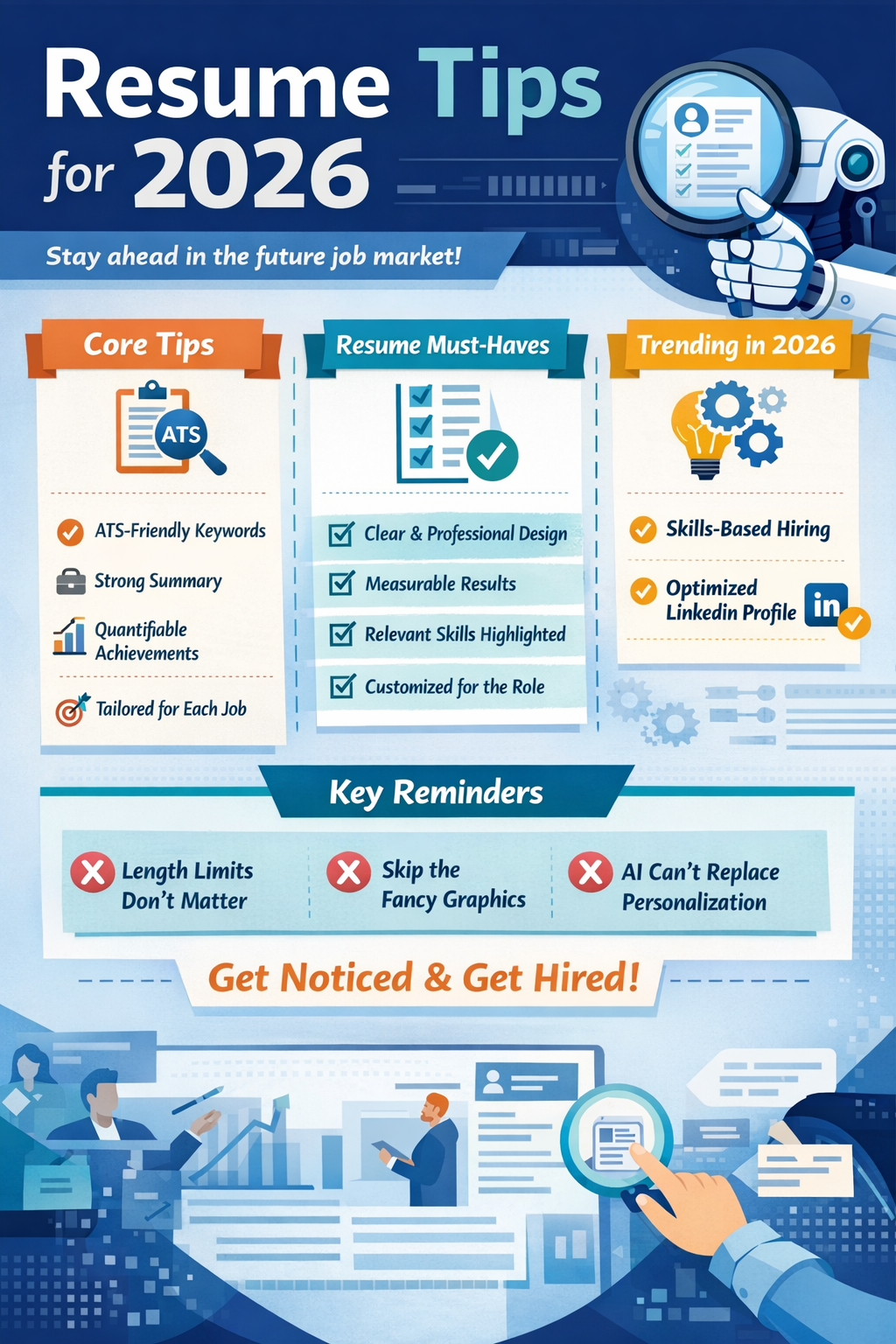
Let’s be blunt: recruiters aren’t spending long with your resume initially. Studies consistently show that a recruiter spends an average of six seconds on a first pass. That’s not six minutes, six seconds. This means the formatting, your contact information, and – critically – your resume summary need to immediately demonstrate value. A messy, cluttered resume is an automatic rejection, even if you’re qualified.
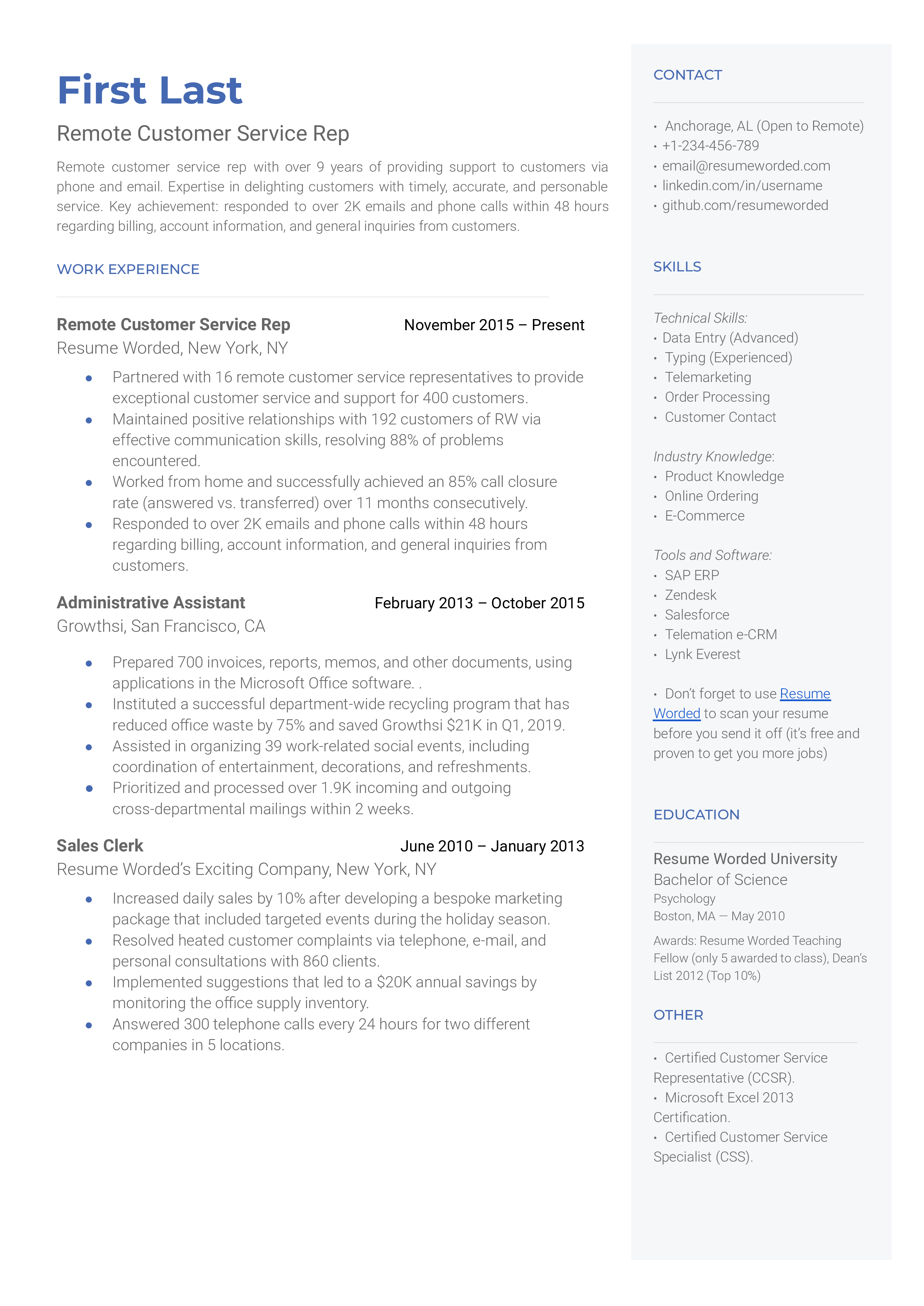
In 2026, clean, modern layouts are non-negotiable. Forget elaborate designs or distracting graphics. Recruiters are overloaded, and they want information presented clearly and concisely. I’ve seen far too many resumes with unnecessarily complex formatting that just screams "unorganized.’ This isn’t about aesthetics; it’s about readability, and respecting the recruiter"s time.
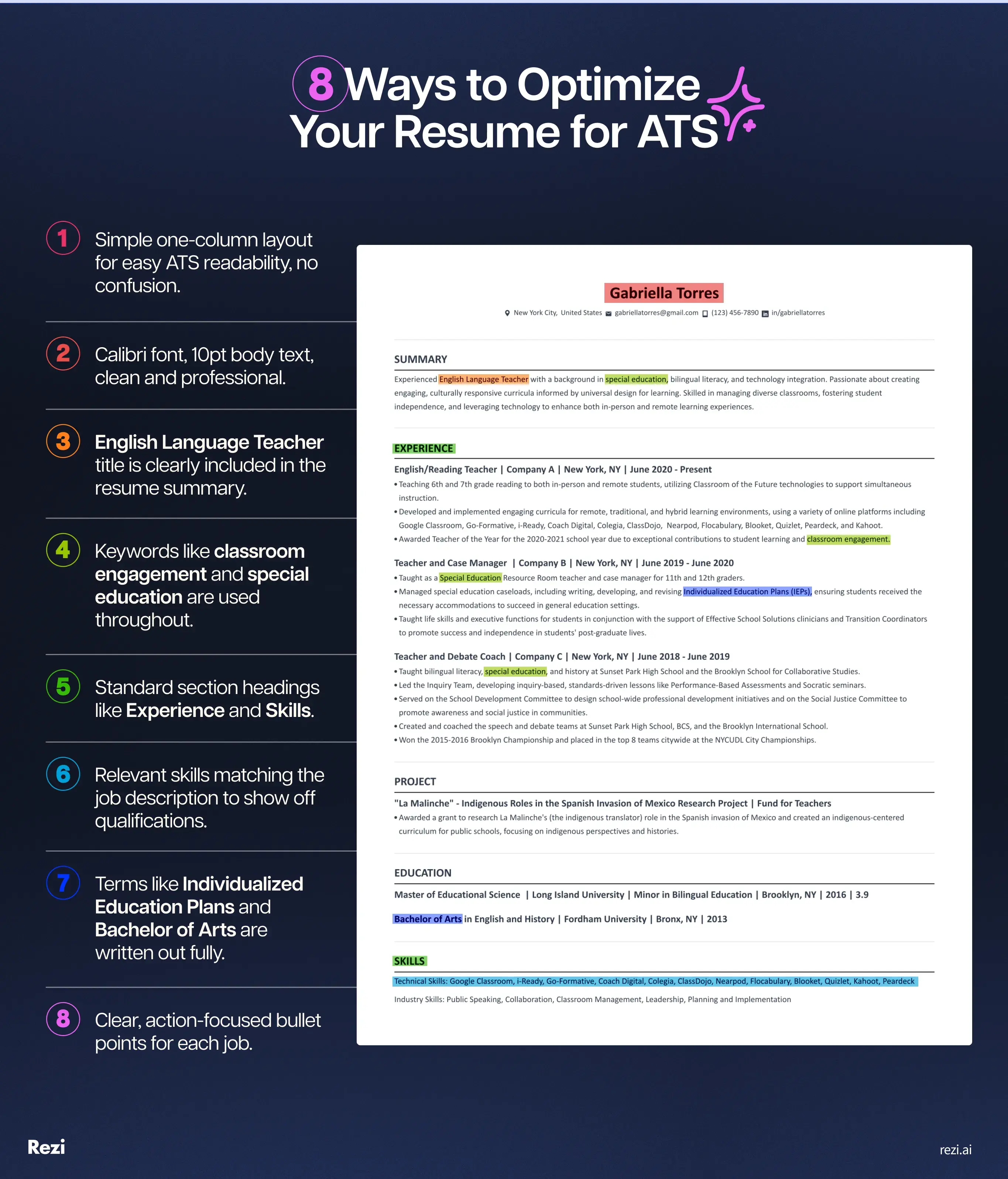
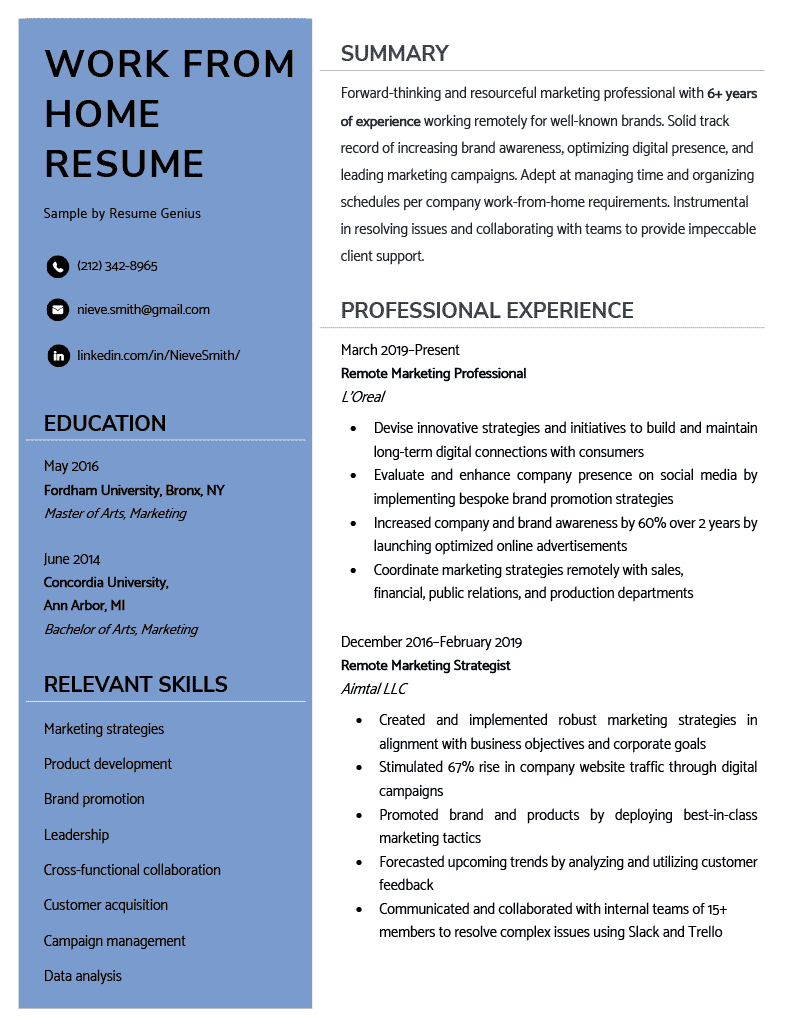
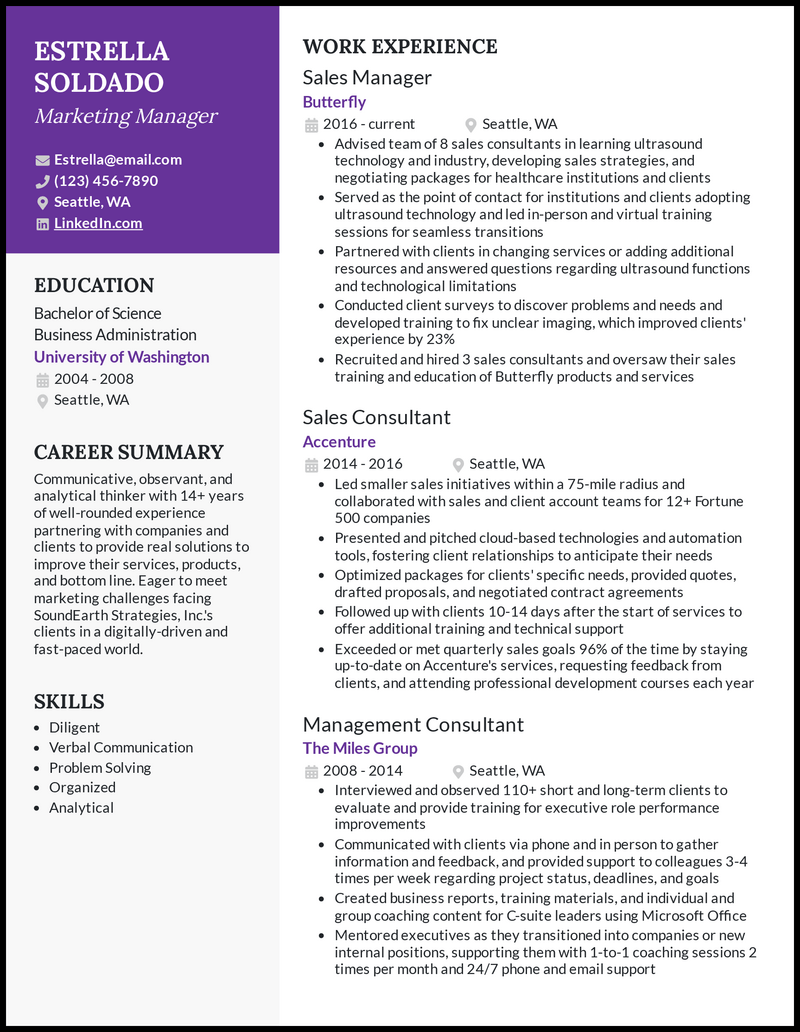
Common formatting pitfalls that will get your resume tossed? Columns that don’t parse correctly in Applicant Tracking Systems (ATS), tiny fonts, and inconsistent spacing. Tables are often problematic, too. ATS can struggle to read information within them. Stick to a simple, single-column format with clear headings and bullet points. And for goodness sake, make sure your contact information is prominent and accurate. A typo in your email address is a missed opportunity.
Your resume summary is your elevator pitch. It’s not a list of adjectives describing yourself. It’s a concise statement of your value proposition, tailored to the specific role. Think about what you can do for them, not what they can do for you. Avoid clichés like "motivated team player" and focus on quantifiable achievements and relevant skills.
Beating the filters without keyword stuffing
Most large companies use software to filter resumes before a human ever sees them. These systems look for specific skills, but don't just cram every buzzword into your footer. Modern filters recognize 'keyword stuffing' and will flag your application as spam.
The key is strategic keyword integration. Start by carefully analyzing the job description. What skills and responsibilities are repeatedly mentioned? These are your target keywords. Then, subtly weave them into your experience section and skills section. Don’t just list keywords; use them within complete sentences that demonstrate your abilities.
For example, instead of writing "Proficient in Python,’ write ‘Developed and maintained Python scripts to automate data analysis, resulting in a 15% reduction in processing time.’ See the difference? The latter provides context and demonstrates impact. Dump CV offers some keyword suggestions based on job titles, which is a decent starting point, but it"s crucial to tailor those suggestions to the specific job description.
I’ve found Dump CV's keyword analysis tool to be a little too broad. It often suggests keywords that aren’t directly relevant to the role. You still need to use your judgment and prioritize keywords based on the job description. Don't rely solely on the tool. Consider using tools like Resume Optimizer Pro's API to get more granular keyword analysis, though that comes at a cost.
- Analyze the job description: Identify key skills and responsibilities.
- Weave keywords into full sentences to show context.
- Focus on quantifiable results: Demonstrate impact with numbers.
- Don’t keyword stuff: ATS can detect this and it will hurt your ranking.
Use numbers to prove your worth
This is advice you’ve probably heard a million times, but it bears repeating. "Increased sales’ is vague and meaningless. ‘Increased sales by 23% in Q2 2025" is powerful and memorable. Recruiters want to see concrete evidence of your accomplishments, not just a list of responsibilities. Numbers provide that evidence.
How do you quantify your achievements if you don’t have hard numbers? Get creative. Think about the impact of your work, even if it’s indirect. Did you improve customer satisfaction? By how much? Did you streamline a process? How much time or money did that save? Even estimating is better than nothing, but be prepared to back it up if asked.
Here are a few examples: A customer service representative could say "Resolved an average of 30 customer inquiries per day with a 95% satisfaction rating.’ A software engineer could say ‘Reduced bug reports by 15% by implementing new testing procedures.’ Even a seemingly unquantifiable role like administrative assistant can be quantified: ‘Managed calendars for a team of 10 executives, resulting in a 10% reduction in scheduling conflicts."
If you’re struggling to find numbers, focus on the results of your work. What problems did you solve? What improvements did you make? How did your contributions benefit the company? Frame your accomplishments in terms of impact, and you’ll be well on your way to creating a compelling resume.
Skills Section: Format and Focus
Your skills section is valuable real estate, but it’s easy to waste it. Listing every skill you’ve ever learned is a mistake. Focus on the skills that are most relevant to the jobs you want. Tailor your skills section to each job application, highlighting the abilities that are specifically mentioned in the job description.
There are several formatting options for your skills section. Lists are the most common and easiest to read. Tables can be used to categorize skills (e.g., technical skills, soft skills, language skills), but be mindful of ATS compatibility. Skill clouds – those visual representations of skills – are generally a bad idea. They’re visually distracting and ATS can’t read them.
Should you include "soft skills’ like communication, teamwork, and problem-solving? Absolutely, but don’t just list them. Provide evidence of these skills in your experience section. Instead of saying ‘Excellent communication skills,’ say ‘Presented complex technical information to non-technical stakeholders, resulting in buy-in for a new project."
Prioritize skills based on industry trends. For example, in the tech industry, skills like cloud computing, data analysis, and cybersecurity are in high demand. In the healthcare industry, skills like electronic health records (EHR) management and patient care are essential. Research the skills that employers are looking for in your field and make sure they’re prominently displayed on your resume.
- List relevant skills: Focus on what employers are looking for.
- Tailor to each job: Customize your skills section for each application.
- Include evidence of soft skills within your work history rather than just listing them.
- Prioritize industry trends: Highlight in-demand skills.
Skills Section Format: A Quick Comparison
| ATS Friendliness | Readability | Customization | Space Efficiency |
|---|---|---|---|
| List | High | Medium | Medium |
| Table | Medium | Medium | High |
| Skill Cloud | Low | High | Low |
| Hybrid (List & Keywords) | High | Medium | Medium |
| Categorized List | Medium | Medium | Medium |
Illustrative comparison based on the article research brief. Verify current pricing, limits, and product details in the official docs before relying on it.
Experience Section: Reverse Chronological Still Reigns
Despite experimentation with functional and combination resume formats, reverse chronological remains the gold standard for the vast majority of industries. It’s what recruiters expect, and it’s the easiest format for ATS to parse. This means listing your work experience in reverse chronological order, starting with your most recent job.
Focus on writing compelling bullet points that showcase your accomplishments, not just your responsibilities. Use strong action verbs and quantify your achievements whenever possible. Instead of saying "Responsible for managing social media accounts,’ say ‘Increased social media engagement by 30% in six months by implementing a new content strategy."
Tailor your experience section to each job application. Highlight the experiences and accomplishments that are most relevant to the position. Don’t be afraid to re-word your bullet points to emphasize different aspects of your work. Conciseness is key. Avoid lengthy job descriptions that drone on and on. Recruiters don’t have time to read a novel.
Addressing employment gaps can be tricky. Be honest, but focus on what you did during that time. Did you take courses, volunteer, or work on personal projects? Frame these experiences in a positive light and highlight the skills you gained. Don’t try to hide gaps – it will raise red flags. A brief explanation is usually sufficient.
Kill the weak verbs
Using strong action verbs is fundamental to writing a compelling resume. But so many people default to the same tired phrases like "responsible for’ and ‘assisted with.’ These verbs are weak and don"t convey your impact. Ditch them and use more powerful alternatives.
Here’s a categorized list of action verbs to get you started: Leadership: Led, Managed, Supervised, Directed, Coordinated. Communication: Communicated, Presented, Wrote, Negotiated, Influenced. Technical Skills: Developed, Implemented, Programmed, Analyzed, Designed. Problem-Solving: Resolved, Solved, Identified, Diagnosed, Improved.
Stop using 'utilized' and 'leveraged.' They are empty filler. Pick verbs that describe what you actually did. If you fixed a broken process, say 'fixed' or 'repaired,' not 'leveraged a solution-oriented approach.'
Consider the context of your experience when choosing action verbs. A verb that works well for a marketing role might not be appropriate for an engineering role. Tailor your language to the specific industry and position.
- Leadership: Led, Managed, Supervised
- Communication: Presented, Wrote, Negotiated
- Technical: Developed, Implemented, Analyzed
- Problem-Solving: Resolved, Solved, Improved
No comments yet. Be the first to share your thoughts!